


Your Cart is Empty


Garmin PRO PT10 Extra Collar
$149.99
Garmin PRO 70, PRO 550 & Sport PRO Extra Collar (PT10 Dog Device)
The Garmin PRO Series PT10 Extra Collar is a reliable add-on dog device designed to expand your training system. This collar is compatible with the Read More
-
Garmin PRO 70, PRO 550 & Sport PRO Extra Collar (PT10 Dog Device)
The Garmin PRO Series PT10 Extra Collar is a reliable add-on dog device designed to expand your training system. This collar is compatible with the Garmin PRO 70, PRO 550, and Sport PRO handhelds, making it easy to train multiple dogs with one controller.
⚠️ Important Compatibility Note:
The Garmin PT10 collar is NOT compatible with any other Garmin or Tri-Tronics training collars or systems.The PT10 dog device offers a 1-mile range, built-in LED beacon lights for visibility in low-light conditions, and a built-in BarkLimiter™ with Autorise technology, which automatically adjusts correction levels to help reduce unwanted barking.
Designed for durability, the PT10 is water-resistant, field-ready, and built to handle the bumps, mud, and wet conditions that come with real training and hunting. It includes two lengths of removable stainless steel insulated contact pointsfor reliable performance and improved comfort.
Training Capacity
-
PRO 70: Train up to 6 dogs
-
PRO 550: Train up to 3 dogs
-
Sport PRO: Compatible (additional dog devices sold separately)
Key Features
-
1 Mile Range – Reliable control at extended distances
-
Built-in BarkLimiter™ – Autorise technology adjusts correction automatically
-
LED Beacon Lights – Remotely operated for low-light visibility
-
Durable & Water-Resistant – Rated to 1 ATM (10 meters)
-
Rechargeable Battery – Lithium-ion battery with battery life indicator
-
Interchangeable Contact Points – Two lengths included for comfort and wet conditions
-
Color Pairing Support – Match collar color to handheld controls for easy identification
Device Specifications
-
Dimensions: 3.1" x 1.7" x 1.7"
-
Weight: 3.5 oz (98 g)
-
Battery Life: Up to 60 hours
-
Water Rating: 1 ATM
-
Floats: No
-
Collar Strap Compatibility: ¾" (1.9 cm)
In the Box
-
PT10 dog device
-
¾" red or ¾" blue collar strap
-
AC adapter
-
Split adapter cable
-
Charging clip
-
Contact point set with wrench
-
Owner’s manual
The Garmin PRO Series PT10 Extra Collar is an essential expansion tool for handlers who need reliable, multi-dog training performance with their PRO 70, PRO 550, or Sport PRO systems.
FAQ
What devices can remotely control the Delta Upland Beeper?The Upland Beeper for the Delta Upland system allows the user to locate the dog audibly at a distance and know if the dog is moving (Hunt Mode) or standing still (Point Mode). It is very similar to the Tri-Tronics G3 Beeper and operates on the same communication system as the Tri-Tronics G2 Beeper. It is important to keep in mind when setting these systems up for remote beeper use that the beeper is attached to a strap with a corresponding dog device attached to it as well.
Compatible systems to remotely control the Beeper*:
o Delta Upland (To include a Delta Upland Handheld and Delta Upland Collar)
o Pro 550 (requires a PT 10 collar)
o Sport Upland G3 EXP (G2/G3 EXP receiver)
o Sport 65 BPR G2 (G2/G3 EXP receiver)
o Classic 70 G3 or G2 (G2/G3 EXP receiver)
o Trashbreaker G3 or G2 (G2/G3 EXP receiver)
o Field 90 G3 or G2 (G2/G3 EXP receiver)
o Flyway G3 or G2 (G2/G3 EXP receiver)
o Upland G3 or G2 (G2/G3 EXP receiver)
o Pro 100 G3 or G2 (G2/G3 EXP receiver)
o Pro 200 G3 or G2 (G2/G3 EXP receiver)
o Pro 500 G3 or G2 (G2/G3 EXP receiver)
*While all the systems listed above can remotely control the Upland Beeper, Upland Beeper G3 or Upland Beeper G2 it is important to note that the Upland Beeper G3 and G2 both are used on a 1 inch collar strap and the Upland Beeper can only fit a 3/4 in collar strap.
How does the Autorise bark correction mode work?Autorise is a standard feature of the Garmin BarkLimiter, BarkLimiter Deluxe, Delta Sport, Delta Upland and Pro Series dog training devices. The Autorise mode is designed to provide the proper level of stimulation correction to prevent excessive barking.
When a dog barks, it will be corrected by the device with stimulation. It will only send one correction within a four second window to give the dog a chance to respond. If the dog continues to bark, the collar will increase the intensity level of the stimulation reaching the highest level within 30 seconds. Should the dog refrain from barking, the device will slowly decrease the intensity level reaching the lowest level within 30 minutes. This ensures the dog is corrected at the right level.
How do I pair a Pro series handheld and dog collar device?Note: If your handheld and dog collar device are included in the same package they should be paired together from the factory.
To Pair a Pro Series handheld to a dog collar device:
1. Select a Dog color on the handheld with toggle switch or corresponding button
2. Set intensity level on handheld to number
3. Hold Power button on dog collar device until LED light changes to yellow
4. Press training key on handheld once LED on dog collar has turned yellow
The dog collar device beeps when the devices have paired successfully. If the device does not beep, pairing may not have been successful and the above steps should be performed again.
How do I turn on the LED lights on the Pro series dog devices?The Pro series dog devices all have extra LED lights that can be activated remotely using the handheld. The Pro 70 and Pro 550 will work with the PT 5 and PT 10. The handhelds and dog device collars must also be paired together before activating the LED lights remotely.
To activate LED lights with Pro Trashbreaker and Pro 70:
1. Select dog collar device
2. Rotate intensity dial to L
3. Select training key
To activate LED lights with Pro 550:
1. Select a dog collar device
2. Move toggle switch to A
3. Select top training key to turn light on
4. Select bottom training key to turn light off
How do I remotely operate the Upland Beeper with a Pro 550?The Pro 550 transmitter is the only handheld in the Garmin Pro Series dog training devices that can remotely operate the Upland Beeper. To get the Upland Beeper to work remotely you must first have PT 10 collar paired to Pro 550 and have the Upland Beeper attached to the top of the collar strap with the PT 10 dog device.
To remotely operate the beeper:
1. Power on PT 10
2. Power on Upland Beeper
3. Ensure Pro 550 set to correct Dog color
4. Set Pro 550 selector to A
5. Press Green (tone) button on Pro 550
The Upland Beeper should then activate. -
-
Lion Country Supply is proud we are now accepting trade-ins on Tri-Tronics and Garmin E-Collar systems, extra collars, and handhelds. The trade-in value you receive will be used towards the purchase of a brand new Garmin, SportDOG, DT Systems, or Dogtra system through Lion Country Supply. We will be accepting both working AND non-working electronics. Please include chargers and accessories if available. More information on the trade in program see, LCS Trade-In Program.
-




Vaccinating Your Hunting Dog at Home: A Simple Guide from Puppy to Adult
Keeping your hunting dog healthy is one of the most important investments you can make in their future. Whether you're raising a new puppy, preparing for hunt tests, or maintaining an experienced bird dog, staying current on vaccinations helps protect your dog from preventable diseases and keeps them ready for training, travel, and hunting season.
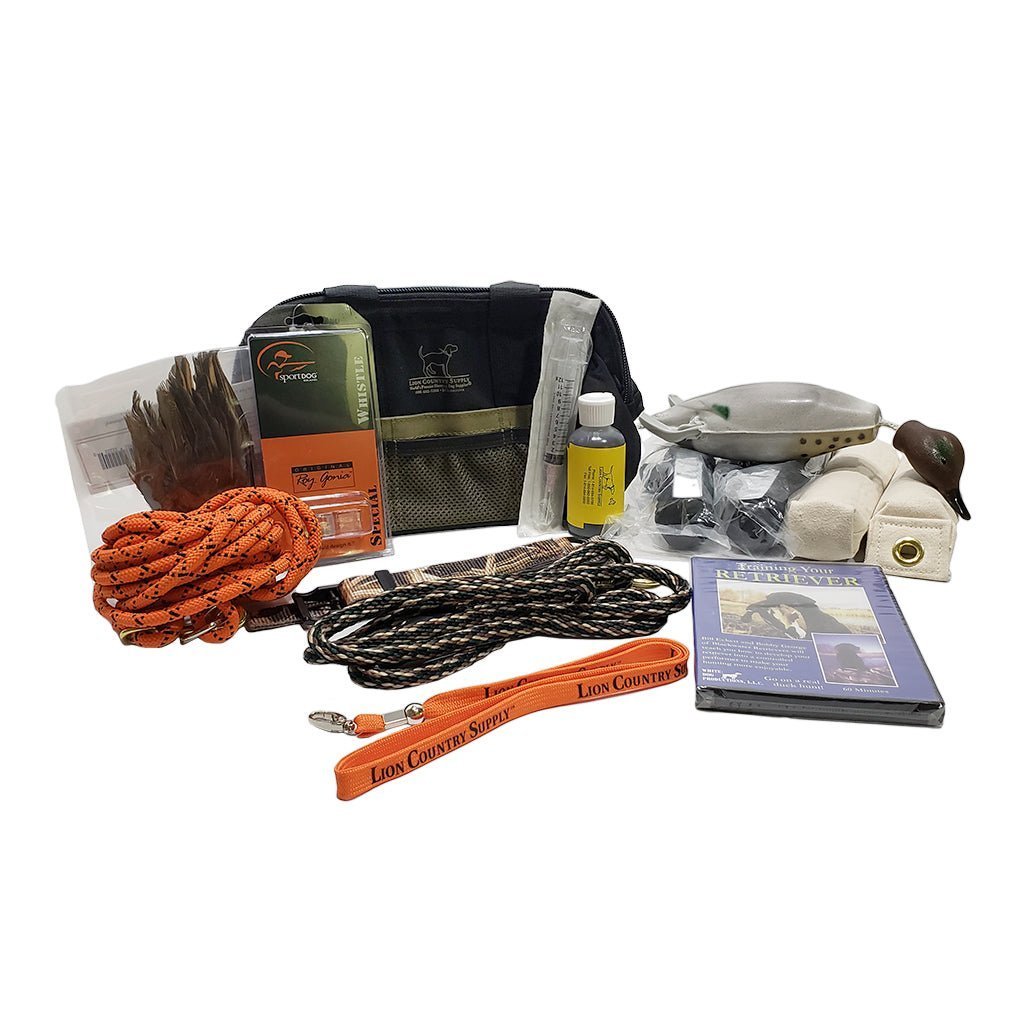

Bird Dog Training for Beginners
You have decided to train your bird dog. Fantastic! Here are some tips for beginners. Puppies! It's easy to fall in love with a pretty face. However, when training a bird dog, it makes good sense to start off with the appropriate puppy. Decide, before you even start, if you want a pointer or a retriever. Starting young...
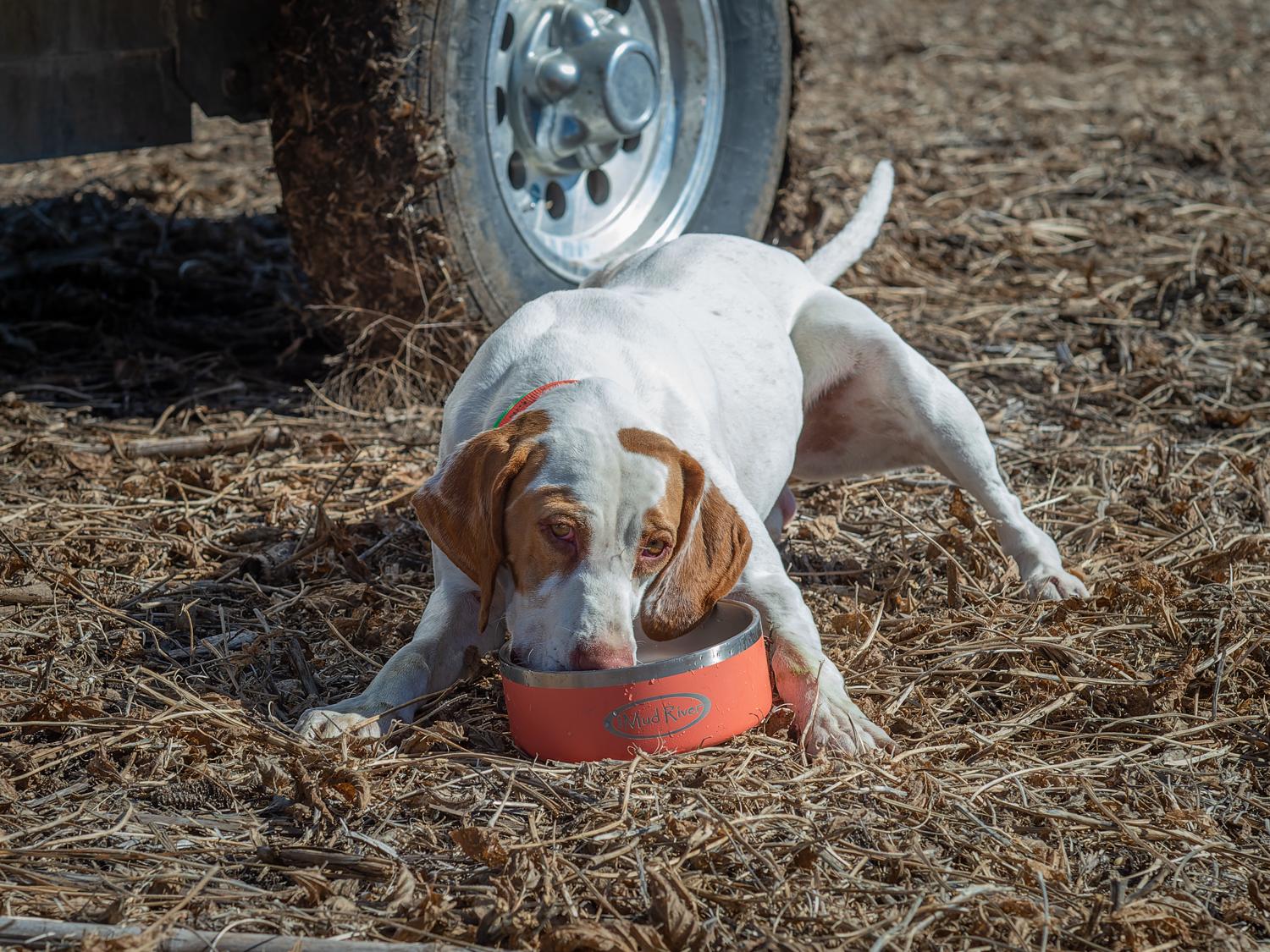

How to Keep Your Hunting Dog Safe in Warm Weather (And What to Pack in the Field)
Warm-weather hunts can be some of the best days in the field—but they also come with real risks for your dog. Unlike us, dogs don’t sweat to regulate body temperature. They rely on panting, and when they’re running hard, that system can get overwhelmed fast.

