


Your Cart is Empty
Garmin Alpha 300/300i Troubleshooting: Top 20 Problems & Fixes
Garmin Alpha 300/300i Troubleshooting
If your Garmin Alpha 300/300i handheld or dog tracking collar is not tracking, connecting, or updating properly, the fixes below cover the most common issues hunters experience in the field.
Quick Jump
- Only works when plugged in
- Collar won’t connect even though it’s paired
- Maps missing after update
- Bark detection not working
- Collar vibration doesn’t work
- Slow or no satellite acquisition
- Firmware updates failing over Wi-Fi
- Touchscreen unresponsive or glitchy
- Battery drains quickly in cold weather
- Device freezes or bootloops
- Map detail missing
- Interference when hunting with others
- Menus and settings confusing
- Tracking update rate confusing
- Collar goes to sleep
- USB-C charging port loose
- Dog list disappeared
- Garmin Explore / Maps+ not syncing
- Software version inconsistent
- US and EU models not communicating
1. Alpha 300 only works when plugged in
What it usually means: Battery issue or the unit isn’t charging fully.
Steps:
- Charge the handheld for at least 3 hours using a known-good USB-C cable.
- Connect to a computer and open Garmin Express.
- Install all available handheld updates.
If it still fails: The internal battery likely needs service.
2. Collar won’t connect even though it’s paired
Steps:
- Open Dog List on the handheld.
- Select the dog/collar.
- Choose Remove.
- Tap Add Dog → Add Garmin Collar.
- Power on the collar when prompted.
If it still fails: Stand 10–15 feet away and retry pairing.
3. Update wiped maps or corrupted data
Steps:
- Go to Setup → Map → Map Information.
- Enable your installed maps.
- If missing, reinstall maps via Garmin Express.
4. Bark detection or bark alerts not working
Steps:
- Dog List → select dog → Dog Info.
- Enable Bark Detection (if supported).
- Update collar firmware.
5. Collar vibration doesn’t work
Steps:
- Confirm the collar model supports vibration.
- Stand within 10–15 feet.
- Send a vibrate command from training controls.
If tone works but vibrate does not: Likely hardware.
6. Slow or no satellite acquisition
Steps:
- Go outdoors with a clear sky view.
- Setup → System → Satellite.
- Select Clear Satellite Data.
- Restart and wait 5–10 minutes.
7. Firmware updates failing over Wi-Fi
Steps:
- Install/open Garmin Express.
- Update the handheld via USB.
- Update all collars via USB.
8. Touchscreen unresponsive or glitchy
Steps:
- Power off fully.
- Wait 30 seconds.
- Restart and test.
9. Battery drains quickly in cold weather
Steps:
- Keep handheld inside coat.
- Lower brightness.
- Disable Wi-Fi/Bluetooth when not needed.
10. Device freezes or bootloops
Steps:
- Hold power for 15 seconds.
- Restart.
- Reinstall updates via Garmin Express.
11. Map detail missing
Steps:
- Setup → Map → Map Information.
- Enable correct map.
- Zoom in closer.
12. Interference when hunting with others
Steps:
- Setup → System → Communication.
- Change channel.
13. Menus and settings confusing
Steps:
- Customize map data fields.
- Focus on Dog List, Map, Training screens.
14. Tracking update rate confusing
Steps:
- Dog List → select dog → Dog Info.
- Set update rate to 5–10 seconds.
15. Collar goes to sleep and won’t wake
Steps:
- Check collar battery.
- Move into range.
- Power-cycle the collar.
16. USB-C charging port loose
Steps:
- Clean port gently.
- Try a different cable.
17. Dog list disappeared
Steps:
- Check Garmin Express for backup.
- Re-add dogs if needed.
18. Garmin Explore / Maps+ not syncing
Steps:
- Confirm same Garmin account.
- Log out/in.
- Sync over Wi-Fi.
19. Software version inconsistent
Steps:
- Update via Garmin Express.
- Restart and recheck version.
20. US and EU models not communicating
Steps:
- Confirm region of handheld and collars.
- Use matching-region equipment.


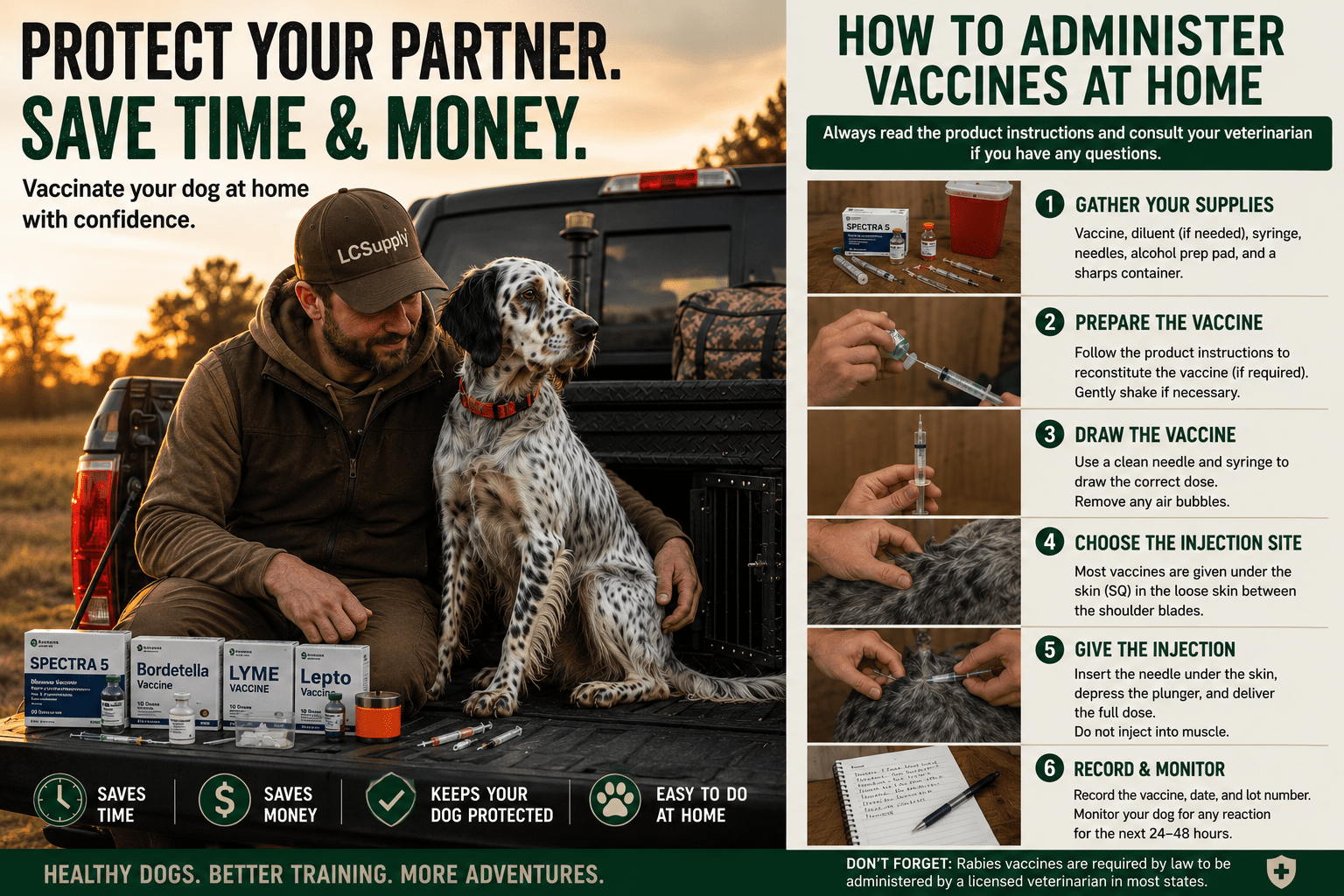

Vaccinating Your Hunting Dog at Home: A Simple Guide from Puppy to Adult
Keeping your hunting dog healthy is one of the most important investments you can make in their future. Whether you're raising a new puppy, preparing for hunt tests, or maintaining an experienced bird dog, staying current on vaccinations helps protect your dog from preventable diseases and keeps them ready for training, travel, and hunting season.
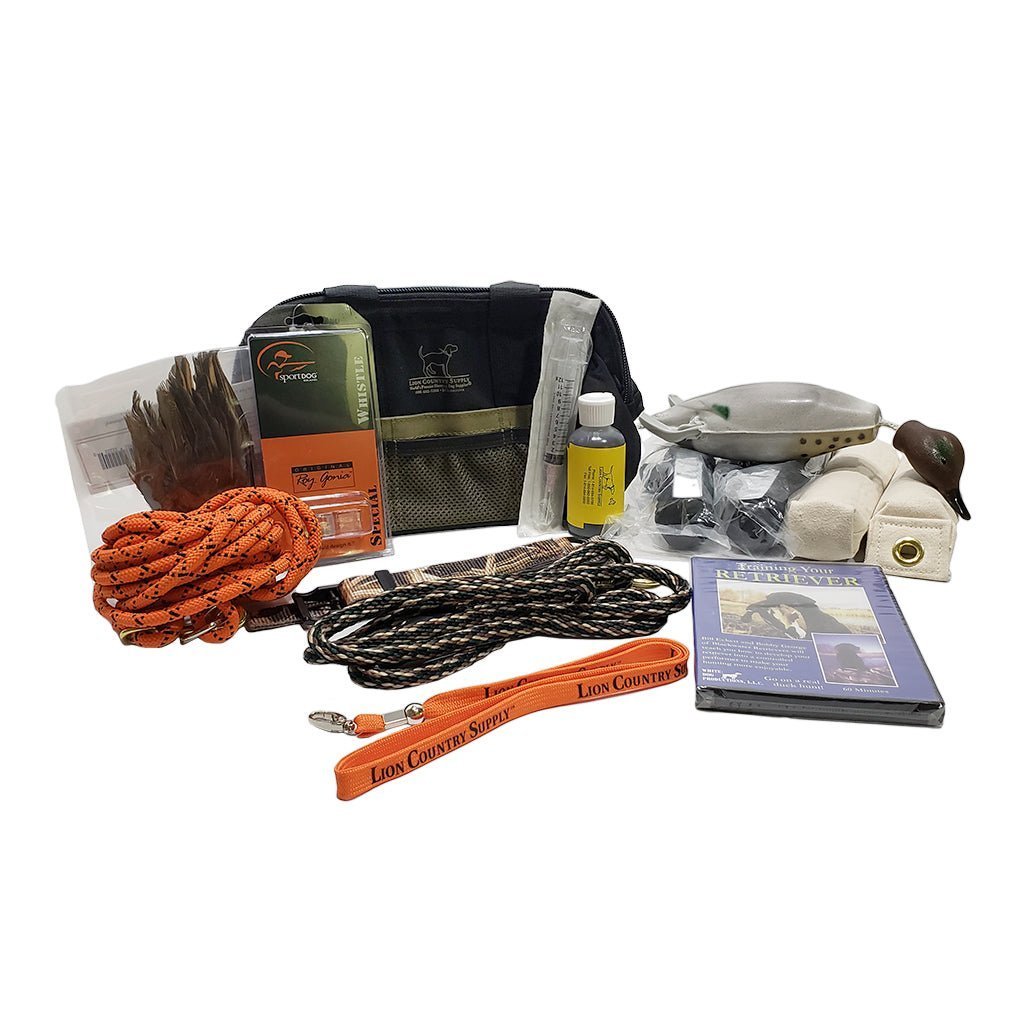

Bird Dog Training for Beginners
You have decided to train your bird dog. Fantastic! Here are some tips for beginners. Puppies! It's easy to fall in love with a pretty face. However, when training a bird dog, it makes good sense to start off with the appropriate puppy. Decide, before you even start, if you want a pointer or a retriever. Starting young...
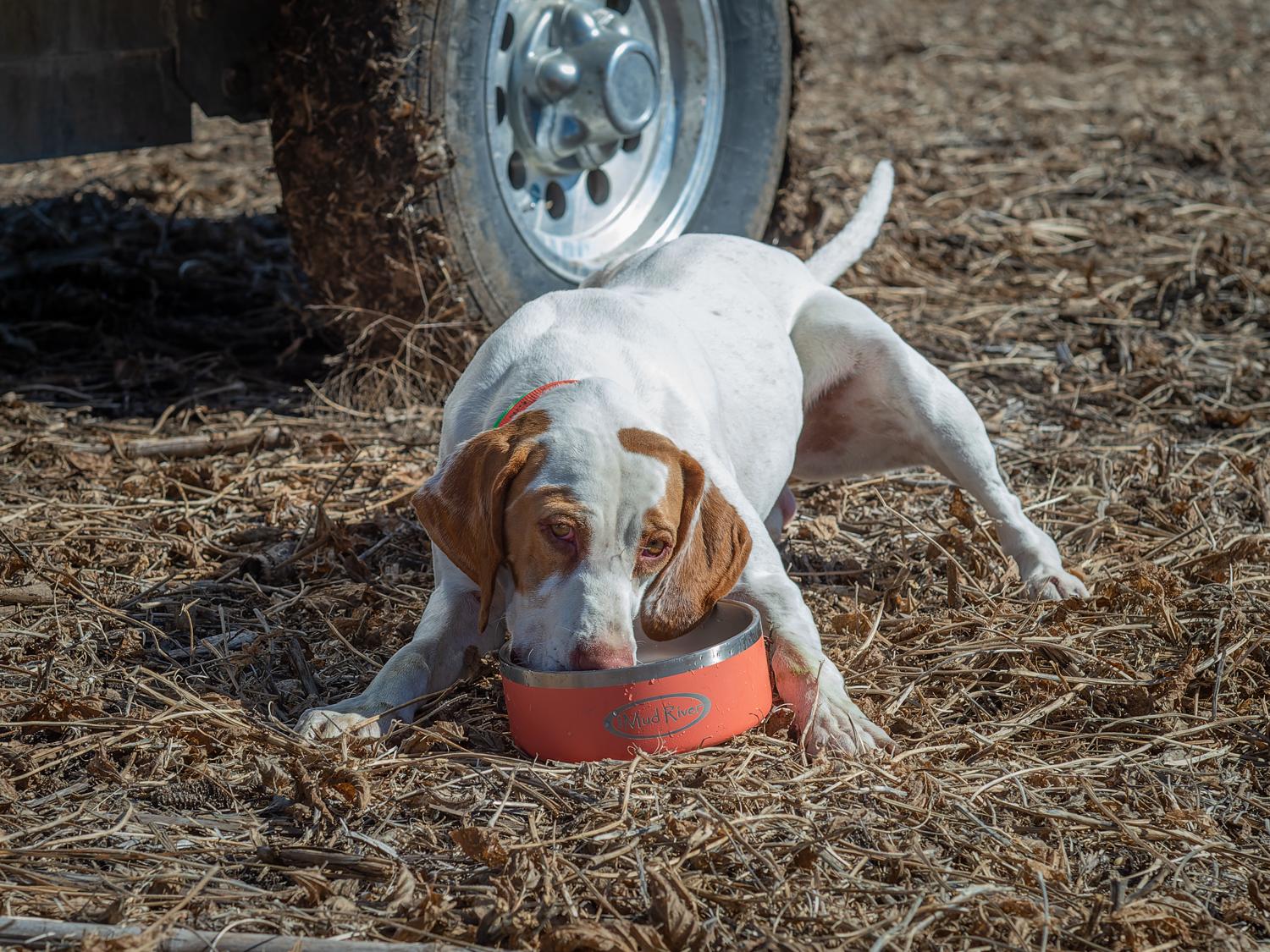

How to Keep Your Hunting Dog Safe in Warm Weather (And What to Pack in the Field)
Warm-weather hunts can be some of the best days in the field—but they also come with real risks for your dog. Unlike us, dogs don’t sweat to regulate body temperature. They rely on panting, and when they’re running hard, that system can get overwhelmed fast.

